
Notary Blog
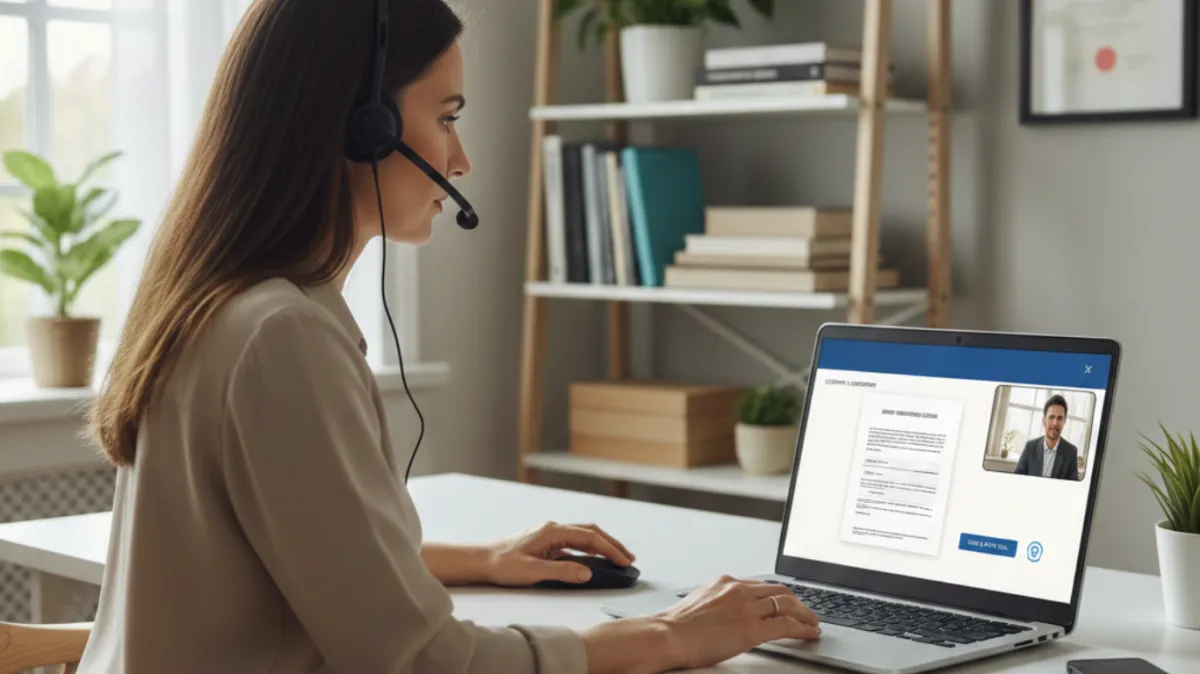
Step by Step Guide to a Remote Online Notarization Using Pactima
What a Remote Online Notarization Session Looks Like Using Pactima
One of the biggest concerns I hear from both new notaries and first time signers is simple:
“What actually happens during a remote online notarization?”
That uncertainty is exactly why I walk notaries through mock signings and why I recorded a full Pactima walkthrough. When you understand the flow of a session from start to finish, everything becomes smoother, faster, and far more professional.
In this article, I am breaking down what a complete remote online notarization session looks like using the Pactima platform and what best practices I follow in every signing.
Starting the Session the Right Way
Every session begins with a clear introduction. I identify myself as a Florida remote online notary and explain what we are about to do. This immediately sets expectations and helps the signer feel comfortable.
Inside Pactima, all documents are already pre tagged before the session begins. That preparation is critical. When documents are properly tagged, the signer is never confused about where to click or what to do next.
Reviewing the Platform and Documents
Once the session starts, I briefly explain what the signer sees on their screen. Pactima highlights signature fields clearly, which makes the process intuitive even for signers who are not tech savvy.
Before signing begins, I confirm that the document matches the signer’s expectations. This step helps avoid hesitation later in the session and reinforces trust.
Identity Verification and Compliance
Identity verification is one of the most important responsibilities of a remote online notary. While mock sessions may skip this step, in a real notarization I always visually inspect the signer’s identification and confirm that the name matches both the signer and the document.
Remote notarization is not just convenient. It is a legally recorded process, which means accuracy and compliance matter every single time.
Required Verbal Questions
Florida law requires specific verbal confirmations during a remote online notarization. I guide the signer through each question clearly and one at a time.
These questions confirm consent, understanding of the document, willingness to sign, mental awareness, and agreement to use an electronic signature. Taking control of this part of the session keeps everything calm and professional.
Guiding the Signing Process
During the signing portion, I stay in what I call “hold frame.” That means I guide the signer step by step instead of letting them click ahead on their own.
I instruct them to click each highlighted field, verify spelling, adopt their signature, and apply it correctly. Once the signer finishes, I complete my portion by adding my notary signature and stamp within the platform.
Final Review and Completion
Before finalizing, I always lock the document for review. This allows everyone to confirm that all required fields are complete.
Once confirmed, all parties select “agree and finalize.” After that step, the session is officially complete and the documents are secured.
Best Practices I Recommend for Every Notary
If you are new to remote online notarization, mock signings are not optional. They are essential.
I strongly recommend practicing from both sides of the screen so you understand exactly what the signer sees. This makes it much easier to troubleshoot, explain steps clearly, and keep sessions short.
The more comfortable you are with your platform, the more confident your clients will feel working with you.


© 2026 Notary SWFL - All Rights Reserved
We are not attorneys and do not provide legal advice or representation.